

Some shopping websites do not require a Company name, so it’s good to just get rid of it. For example, if you are running an eCommerce website to sell Apparel, we don’t think you need a Company name during the checkout.
To achieve this, you do not need to customize anything or install an extension; you can simply do this from the Magento 2 admin.
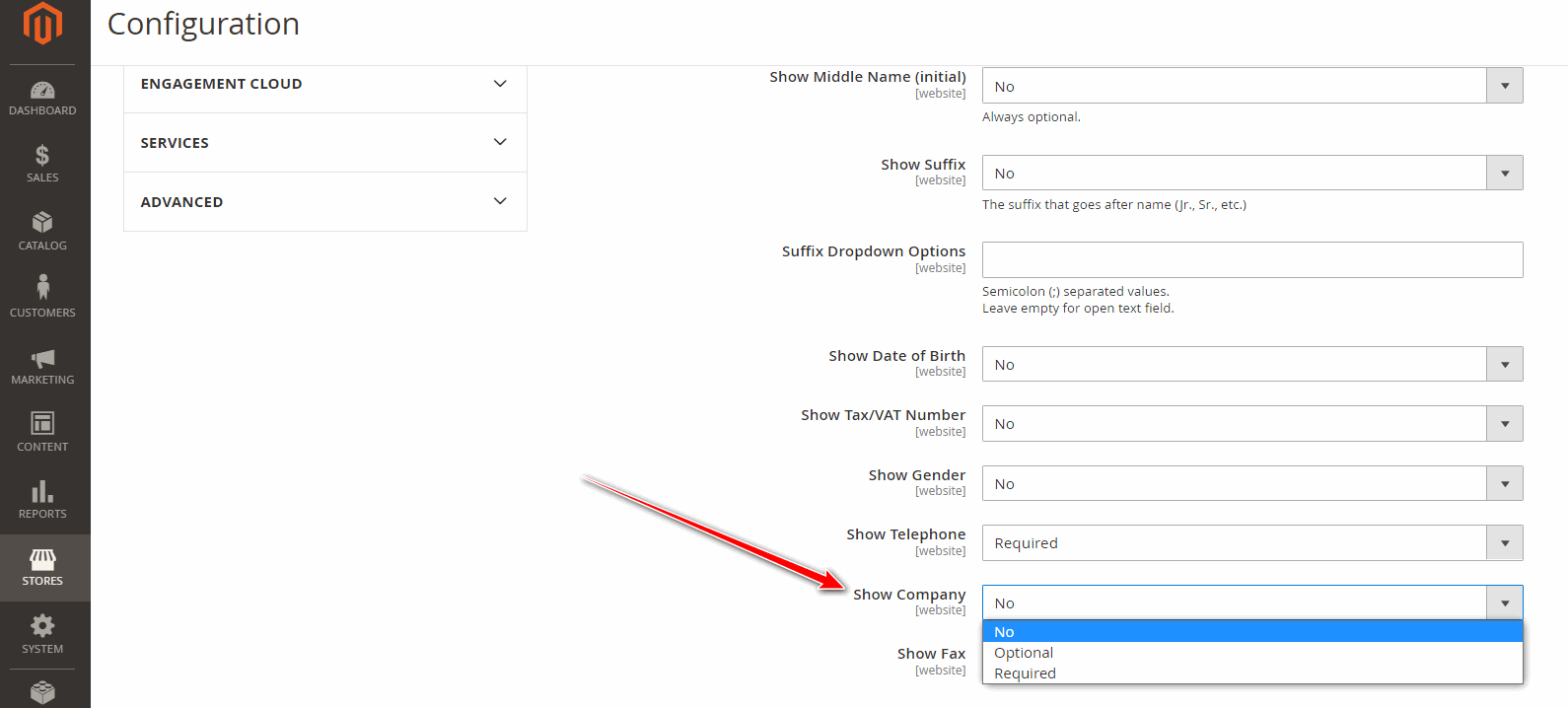
Go to Magento 2 Admin > STORES > Configuration > CUSTOMERS > Customer Configuration > Name and Address Options Here you can see the “Show Company” field, just set it to “No” and Save Config. That’s it!
Check our blog “Make Zip Code Optional in Magento 2” to learn how to remove required zip code validation from address forms and checkout pages.